Ultimate Guide to Mobile Video Downloading Safely and Easily
Learn the safest and easiest methods for mobile video downloading across Android and iOS devices. Discover top apps, legal considerations, and offline view
Table of Contents
In today's fast-paced digital world, the ability to watch content offline is no longer a luxury—it's a necessity. Whether you're commuting, traveling, or dealing with unreliable internet, having your favorite videos saved directly on your device is crucial. But how do you navigate the landscape of Mobile Video Downloading safely and legally? This comprehensive guide will walk you through the best methods, essential tools, and critical legal considerations for downloading videos onto your smartphone or tablet, ensuring you can enjoy seamless offline viewing anytime, anywhere. Get ready to master the art of saving videos for later!
Understanding the Legal Landscape of Video Downloading
Before diving into the 'how-to,' it's vital to address the 'should-I.' The legality of Mobile Video Downloading hinges entirely on the source and the video's copyright status. Most major platforms, like YouTube, Netflix, and Amazon Prime Video, offer built-in download features, but these are restricted to viewing within their respective apps. Downloading content using third-party tools often violates the platform's terms of service and, in many cases, copyright law. Always prioritize legal and ethical methods when seeking offline video access.
- Terms of Service (ToS): Always check the ToS of the platform. Unauthorized ripping or downloading is usually prohibited.
- Copyright: Downloading copyrighted material without permission is illegal. Stick to public domain content or platforms that explicitly grant download rights.
- Fair Use: In some jurisdictions, limited use for educational or commentary purposes might fall under 'fair use,' but this is complex and rarely applies to mass downloading.
The Safest Approach: Utilizing Built-in App Features
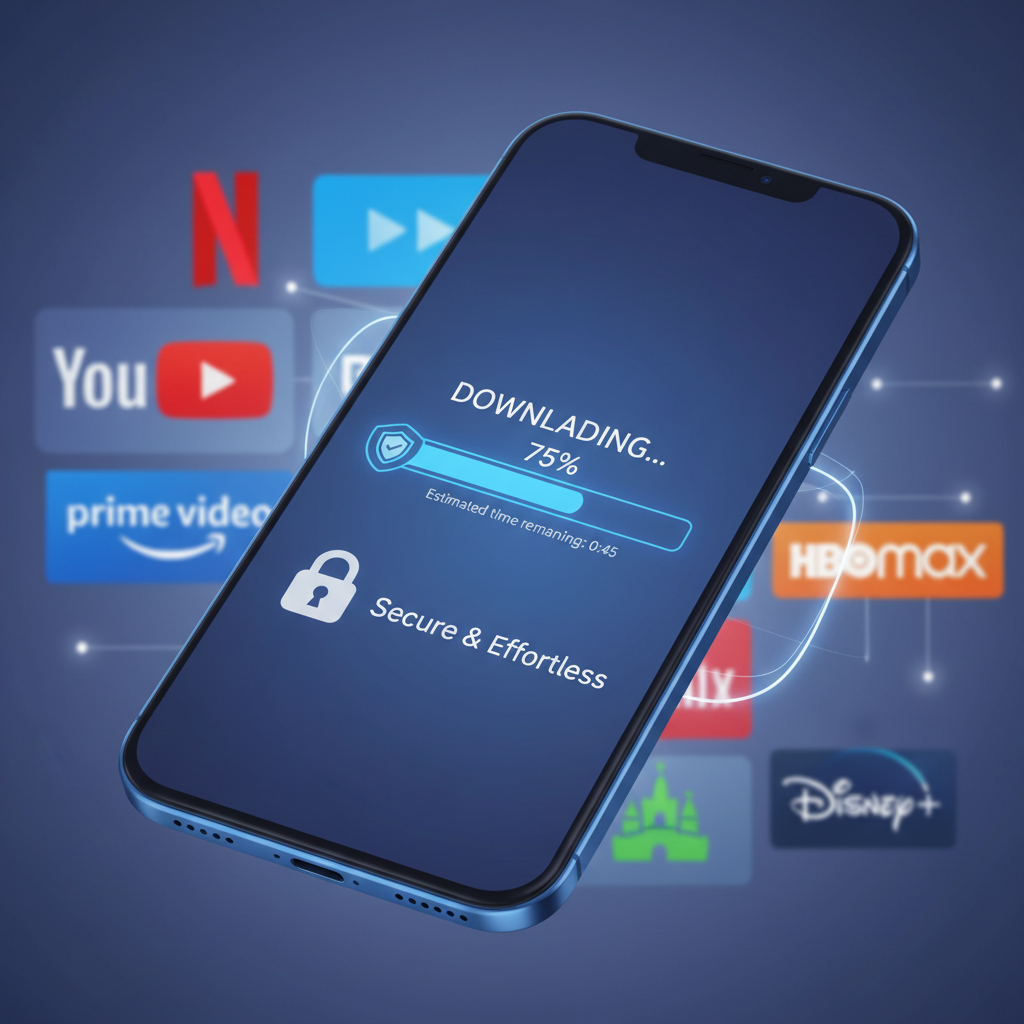
The absolute safest and most reliable way to achieve Mobile Video Downloading is by using the official features provided by streaming services. These methods ensure high quality, legal compliance, and protection against malware.
H3: Netflix, Hulu, and Amazon Prime Video
These subscription services have perfected the art of offline viewing. The process is straightforward:
- Open the respective app (e.g., Netflix).
- Navigate to the movie or show you wish to save.
- Look for the 'Download' icon (usually a downward arrow).
- Select the desired video quality (Standard or High Definition).
- The content is saved within the app's 'Downloads' section and automatically expires after a set period or once you cancel your subscription.
This method is ideal for long trips and ensures you have high-quality entertainment without relying on cell service.
H3: YouTube Premium for Offline Viewing
YouTube, the largest video platform, also offers official offline video access through its Premium subscription. With YouTube Premium, users can download videos directly within the app on both Android and iOS devices. This feature is particularly useful for saving educational content or music videos.
- Automatic Smart Downloads: YouTube can automatically download recommended videos when connected to Wi-Fi.
- Quality Control: Users can specify the download quality, conserving storage space if needed.
- Background Playback: An added benefit of Premium is background playback, enhancing the overall mobile experience.
Step-by-Step Guide: Downloading Videos on Android Devices
While official apps are the best, Android's open nature allows for more flexibility, particularly when dealing with non-streaming sites or personal files. For content that is legally distributable (like open-source educational videos or your own creations), direct browser downloading is often possible.
Using a Dedicated Browser Download Manager
Many modern Android browsers (like Chrome or Firefox) have robust built-in download managers. However, for more control and faster speeds, third-party download manager apps can be beneficial for managing multiple mobile video downloads simultaneously.
- Identify the Source: Ensure the video source permits direct downloading (e.g., a website hosting a public domain video file).
- Long Press or Tap: Often, you can long-press on a video link or a dedicated download button.
- Select 'Download Link': Choose the option to download the linked file.
- Monitor Progress: The file will appear in your browser's download queue and be saved to your device's 'Downloads' folder.
Tip: Always check the file extension (e.g., .mp4, .mov) to ensure it's a recognizable video format compatible with your device's media player.
iOS Video Downloading Strategies Without Jailbreaking
Apple's iOS ecosystem is more restrictive regarding file management, making direct Mobile Video Downloading outside of official apps challenging. However, there are secure, non-jailbreak methods using specific apps designed to handle file transfers and storage.
Utilizing File Manager Apps and Cloud Services
For saving videos legally acquired from sources other than major streaming platforms, a file manager or cloud service app acts as a secure intermediary.
- Document/File Manager Apps: Apps like 'Documents by Readdle' or similar file managers often include a built-in browser. You can navigate to a video link within this browser and use its download function. The video is then stored securely within the app's isolated sandbox, allowing for offline playback.
- Cloud Storage (Dropbox, Google Drive): If you have video files stored in the cloud, you can mark them for 'offline access.' This downloads a copy to your device via the cloud app, which is a highly secure and reliable method for viewing personal video libraries.
Security and Storage Management for Offline Content
When engaging in Mobile Video Downloading, security and efficient storage management are paramount. Unofficial download sites are frequently vectors for malware, adware, and phishing attempts. Always prioritize official app stores and well-vetted applications.
Protecting Your Device
Avoid clicking suspicious pop-ups promising 'free video downloads.' If an app asks for excessive permissions (like access to your contacts or SMS messages) just to download a video, uninstall it immediately. Using a reliable mobile security suite can also help scan downloaded files for threats.
Managing Storage Space
Video files, especially in high definition, consume significant storage. Effective management is crucial, particularly for users with 64GB or 128GB devices.
- Check Quality Settings: Most apps allow you to choose between standard definition (SD) and high definition (HD) downloads. SD takes up significantly less space.
- Regular Cleanup: Periodically review your downloaded content. If you've finished watching a series, delete the files to free up space.
- External Storage (Android): If your Android device supports microSD cards, configure your download apps to save content directly to the external storage, preserving internal memory for system functions and apps.
By following these best practices for secure and efficient Mobile Video Downloading, you can ensure a smooth and enjoyable offline viewing experience without compromising your device's security or performance. Mastering these techniques transforms your mobile device into a powerful, portable entertainment hub, ready for any adventure or connectivity challenge.
Frequently Asked Questions
Is Mobile Video Downloading legal?
Mobile Video Downloading is legal when utilizing the official, built-in download features provided by subscription services (like Netflix or YouTube Premium). Downloading copyrighted material using third-party tools is generally illegal and violates platform terms of service. Always verify the source and copyright status.
Which is the safest method for downloading videos on a smartphone?
The safest method is exclusively using the official download features within trusted apps (e.g., Netflix, Amazon Prime Video, YouTube Premium). These methods ensure the content is secured, legal, and free from malware, as the files are stored within the app's protected environment.
Do downloaded videos take up a lot of storage space?
Yes, video files, especially those downloaded in High Definition (HD), can consume significant storage space. To manage this, most apps allow you to select Standard Definition (SD) quality, which uses less space. Regularly deleting watched content is also essential for maintaining device performance.
Can I transfer downloaded videos from a streaming app to my computer?
No. Videos downloaded through official streaming apps are encrypted and stored within the app's isolated folder (sandbox). They are not standard video files and cannot be transferred, shared, or played outside of the original application, ensuring copyright protection.
Conclusion
Mobile Video Downloading is an indispensable skill in the modern digital age, allowing for uninterrupted entertainment and access to crucial information regardless of Wi-Fi availability. Remember that safety and legality should always guide your choices. Prioritize using the built-in features of major streaming services like Netflix and YouTube Premium, and utilize secure file managers for legally acquired content on iOS and Android. By adhering to these guidelines, you maximize your device's potential while protecting your security.
Ready to transform your commute or flight into a personalized cinema? Start downloading your favorite content securely today! Share this guide with friends who need better offline access!