Streaming vs Downloading: Which Method is Best for You?
Deciding between streaming and downloading content? Explore the pros and cons of each method, covering data usage, quality, accessibility, and storage need
Table of Contents
In the digital age, consuming media—whether it's music, movies, games, or documents—has become instantaneous. But when you want to access content, you generally face two primary choices: streaming vs downloading. While both methods deliver media to your device, they operate fundamentally differently, impacting everything from your data plan to your ability to watch content offline. Understanding these differences is crucial for optimizing your digital experience and managing your device storage effectively.
This comprehensive guide dives deep into the technical, practical, and financial implications of these two content consumption giants. Are you prioritizing instant access or permanent ownership? Let's break down the advantages and disadvantages of streaming content directly versus downloading files locally to determine which method truly reigns supreme for your needs.
The Fundamentals: How Streaming and Downloading Work
Before comparing the benefits, it’s important to understand the core mechanics of each process. While both involve data transfer, the way that data is handled on your device is the key differentiator.
What is Streaming?
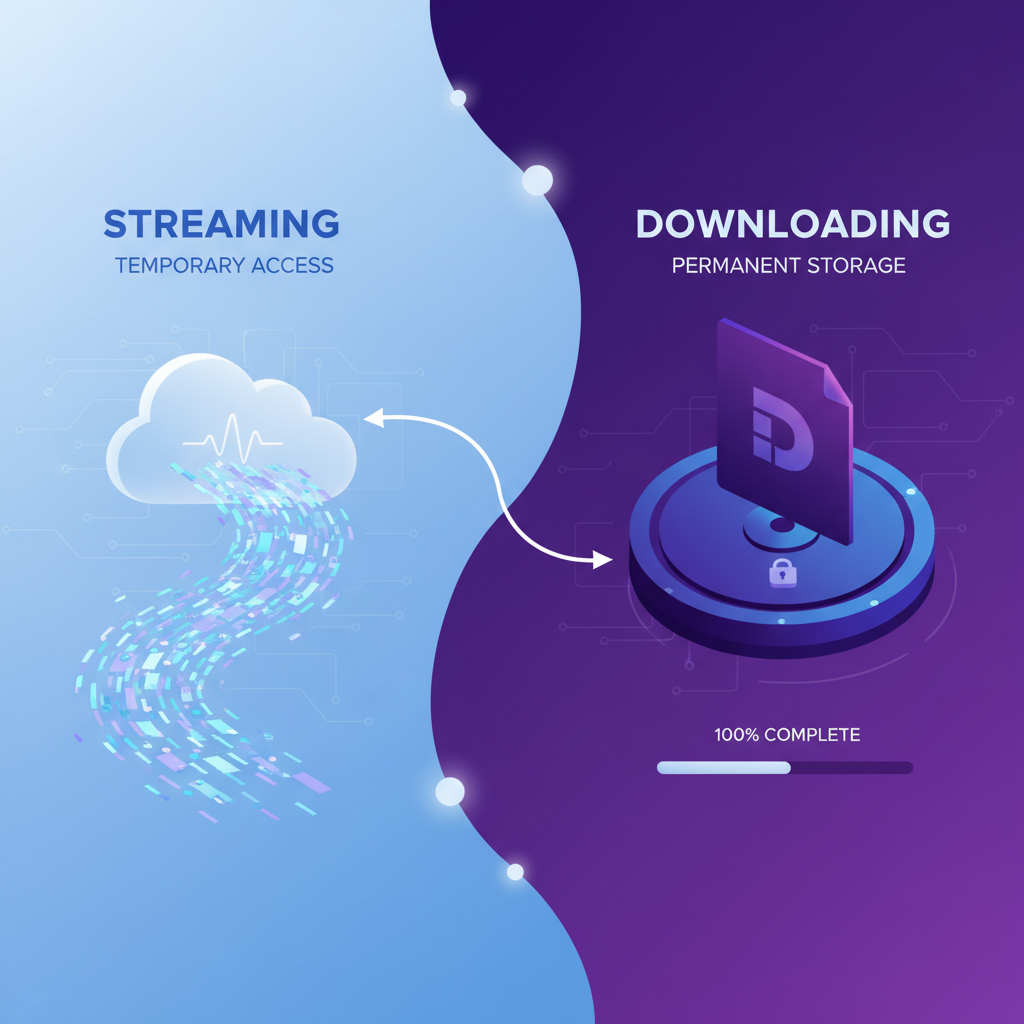
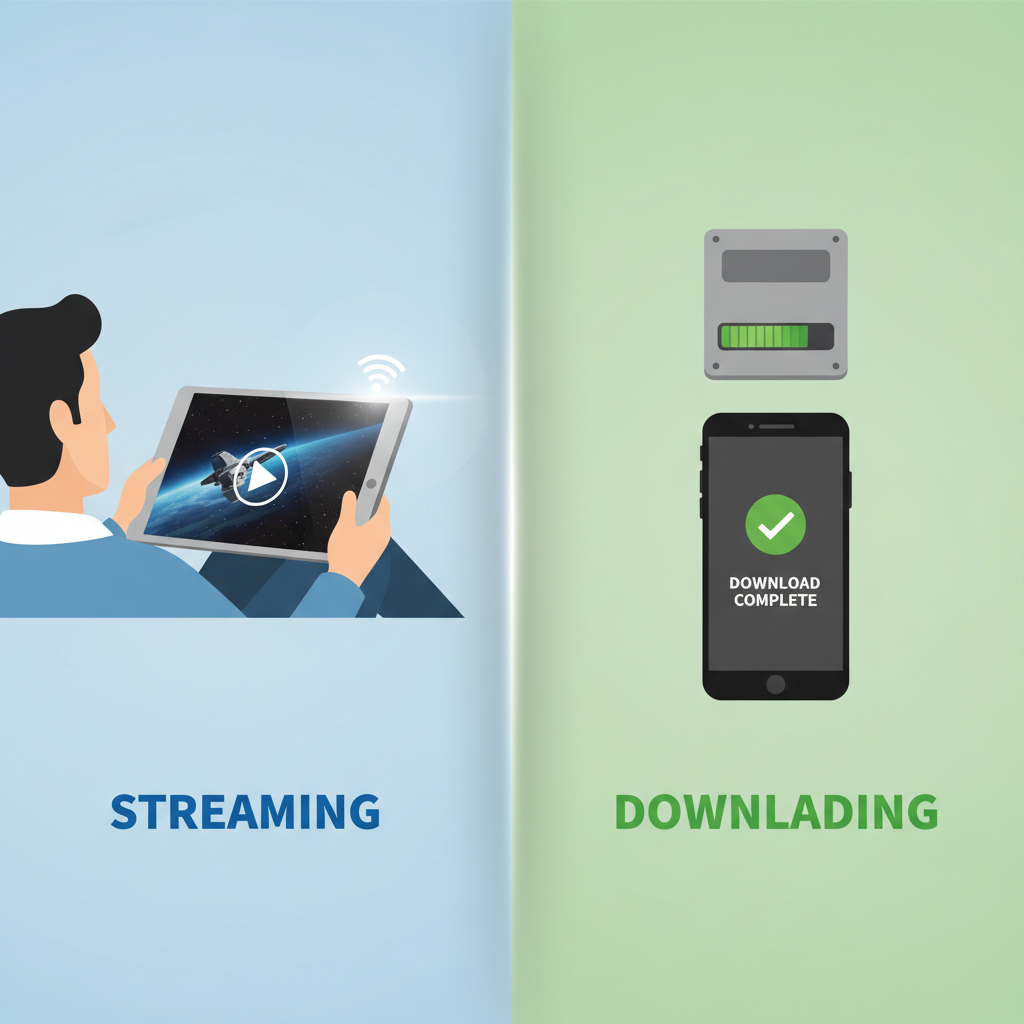
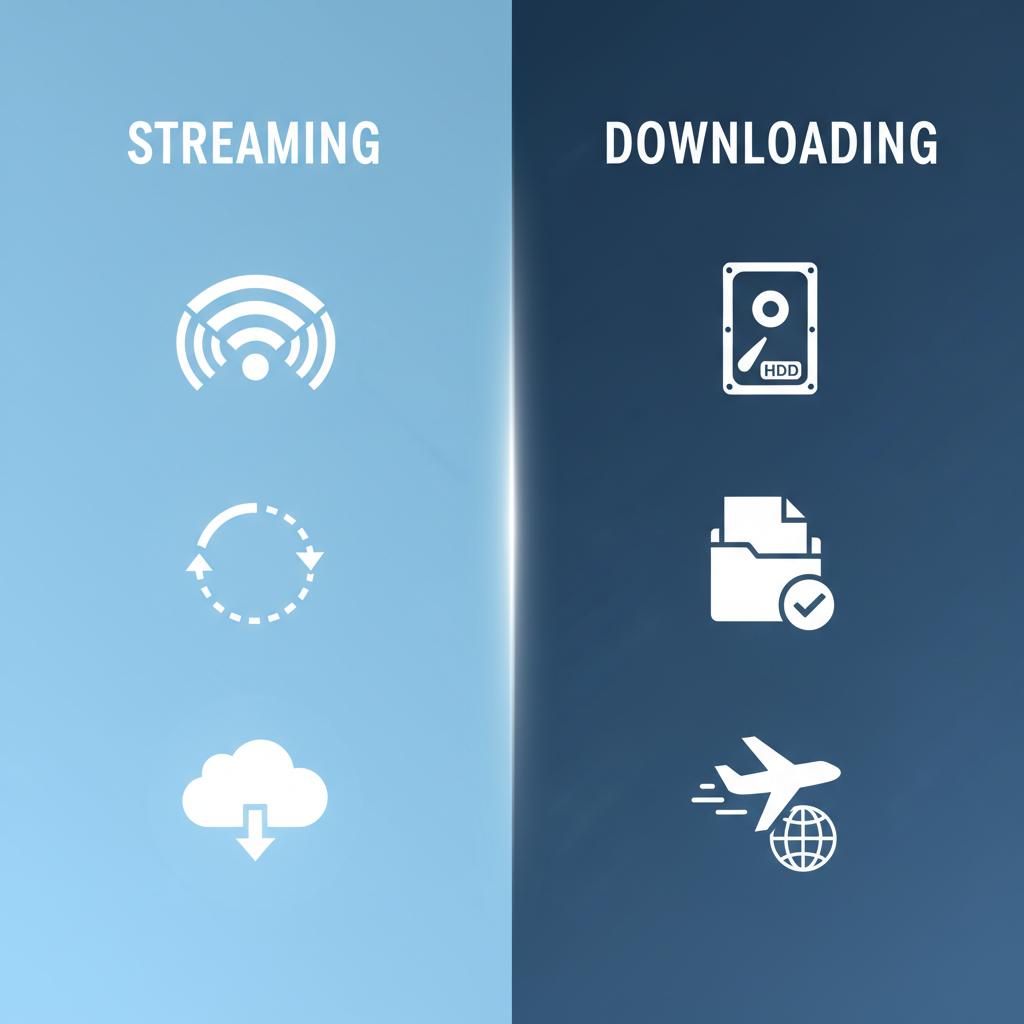
Streaming involves the continuous transmission of data from a server to a client device, where the media is played almost immediately. Crucially, the data is usually buffered and discarded after playback. This means that while you are watching a movie or listening to a song, the file is never fully saved to your local storage. Services like Netflix, Spotify, and YouTube rely entirely on this method.
- Key Characteristic: Real-time playback without permanent storage.
- Requirement: A consistent, active internet connection is mandatory.
What is Downloading?
Downloading is the process of transferring an entire file from a remote server to your local device (hard drive, SSD, or mobile storage). Once the download is complete, the file is permanently stored on your device and can be accessed repeatedly without any further internet connection.
- Key Characteristic: Permanent local storage and offline access.
- Requirement: Sufficient storage space on the device is necessary.
Accessibility and Convenience: Instant Gratification vs. Offline Freedom
When evaluating streaming vs downloading, accessibility often comes down to two factors: speed of access and availability without connectivity.
The Speed Advantage of Streaming
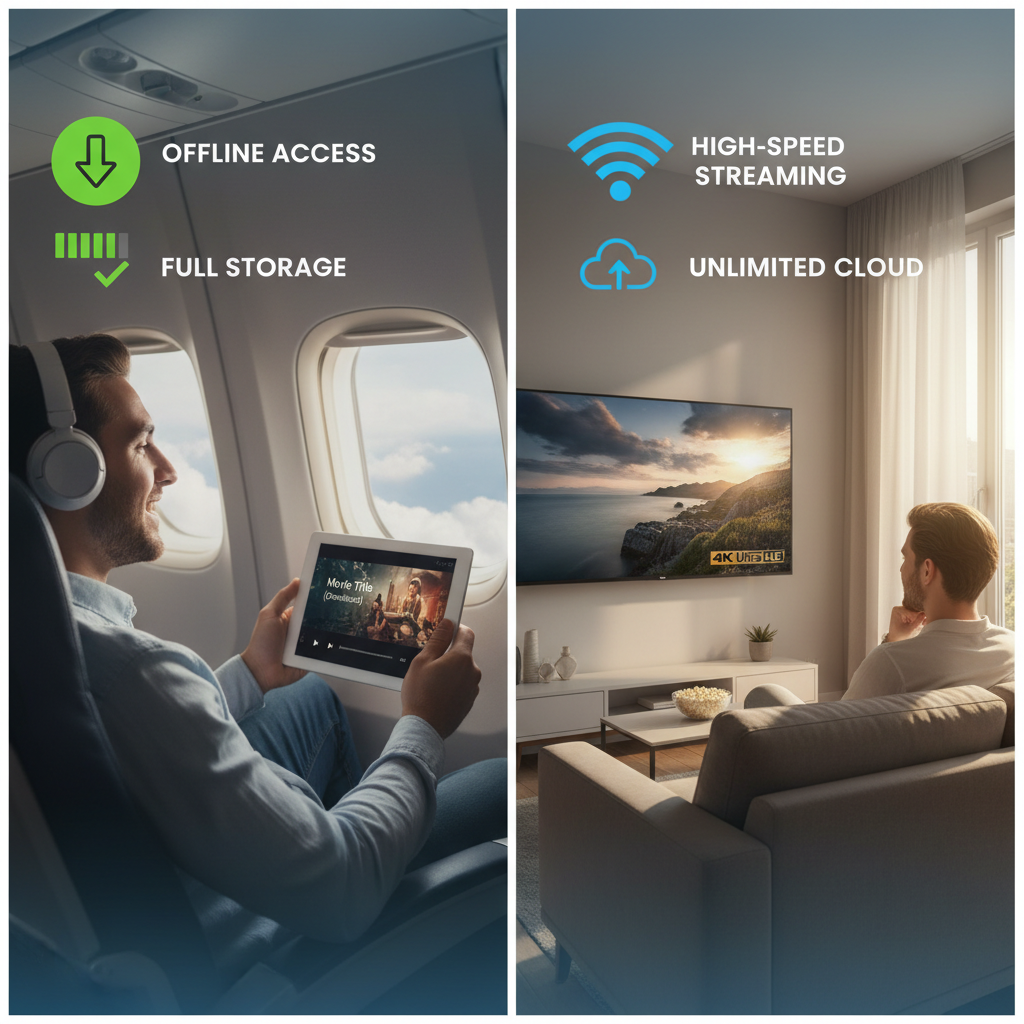
Streaming offers unparalleled convenience. You click play, and within seconds (depending on your internet speed), the content begins. There is no waiting time for a large file to transfer completely. This instant gratification is why platforms offering on-demand content have become so popular. However, this convenience is entirely dependent on a stable internet connection. If your connection drops or slows down, you experience buffering, which severely degrades the user experience.
The Power of Offline Downloading
Downloading provides ultimate freedom from connectivity constraints. Once a file is downloaded, you can watch it on a plane, in a subway, or in an area with poor Wi-Fi. This is particularly beneficial for large media files like 4K movies or extensive music libraries. While the initial wait time for the download can be significant, the payoff is guaranteed playback quality regardless of external network conditions. This makes downloading the preferred method for travelers or those with unreliable home internet.
Data Usage, Quality, and Storage Implications
The practical differences between these two methods are most evident in how they impact your data plan and device storage.
Managing Data Consumption
Both methods consume data, but the consumption patterns differ greatly. Streaming uses data continuously throughout the playback duration. High-definition streaming, especially 4K video, can consume massive amounts of bandwidth quickly. A two-hour 4K movie can easily use 10-15 GB of data. If you have a capped data plan (like many mobile users), excessive streaming can lead to unexpected overage charges.
Downloading, conversely, uses a large burst of data upfront. While the total data used for a single piece of content might be similar to streaming it once, subsequent viewings of the downloaded file use zero data. For users who watch the same content multiple times (e.g., favorite albums or essential work documents), downloading is often the most data-efficient content consumption strategy over the long term.
Content Quality and Compression
Streaming services often employ dynamic bitrates and heavy compression to ensure smooth playback, especially if bandwidth fluctuates. While modern codecs are excellent, this can sometimes lead to a slightly reduced quality compared to the original source file. Many streaming providers, for example, offer “high quality” audio that is still compressed compared to lossless audio files available via direct download.
When you download a file, you typically receive the content at its maximum available quality (assuming the source allows it). This ensures the best possible visual and auditory experience, making downloading the choice for audiophiles and cinephiles prioritizing high-fidelity media.
Storage Requirements
This is where the trade-off is most apparent. Streaming requires virtually no local storage space, making it ideal for devices with limited capacity, such as older smartphones or entry-level tablets. The content is played and then deleted from the buffer.
Downloading, however, demands significant local storage. A large library of downloaded movies and music can quickly fill up even modern hard drives. Users must constantly manage their storage, deleting older files to make room for new ones. This is the primary drawback of prioritizing offline access.
Cost and Ownership Models
The financial models surrounding streaming and downloading also present a clear contrast.
Subscription vs. Purchase
Streaming is predominantly tied to subscription models (SaaS - Software as a Service). You pay a recurring fee (monthly or annually) for access to a vast library of content. This provides excellent value if you consume a wide variety of content regularly. The downside is that you are renting the content; if you cancel the subscription, access is immediately revoked.
Downloading often involves a one-time purchase, giving you permanent ownership of the file. While the upfront cost per item might be higher than a single month of a streaming service, the content is yours forever. This model is favored for niche content, classic films, or digital purchases of video games where digital ownership is paramount.
Security Considerations for Content Access
Security is an often-overlooked aspect of the streaming vs. downloading debate.
Security in Streaming
Streaming is generally considered safer from a malware perspective, provided you use reputable, encrypted platforms. Since the data is temporary and not written permanently to your disk, the risk of downloading a virus embedded in a media file is low. The main security risk involves protecting your account credentials from phishing or hacking attempts.
Security in Downloading
Downloading carries a higher inherent risk, especially if files are sourced from peer-to-peer networks or unofficial websites. Malicious actors often embed malware, ransomware, or viruses within seemingly harmless media files. Users who download must rely on robust antivirus software and exercise extreme caution regarding the source of their files. Responsible downloading from official stores minimizes this risk.
Frequently Asked Questions
What is the main difference in data usage between streaming and downloading?
The main difference is timing. Streaming uses data continuously during playback, requiring a constant connection. Downloading uses a large burst of data upfront to save the entire file, but subsequent viewings use zero data, making it more efficient for repeated viewing.
Is 4K streaming better than 4K downloading?
Generally, 4K downloading provides superior quality. Streaming services often compress 4K content to manage bandwidth, and quality can fluctuate based on network conditions. A downloaded 4K file maintains a consistent, high-fidelity bitrate.
Which method is better for devices with limited storage?
Streaming is significantly better for devices with limited storage (like smartphones or older tablets) because the content is only temporarily buffered and not saved permanently to the device.
Can I watch downloaded content if my internet connection is lost?
Yes. The primary benefit of downloading is the ability to access and play the content entirely offline, as the file is stored locally on your device.
Does streaming or downloading consume more battery life?
Streaming often consumes more battery life than playing a downloaded file. Streaming requires the device to continuously use the Wi-Fi or cellular radio to receive data, process the stream, and decode the media simultaneously. Playing a downloaded file only requires media decoding, which is less taxing on the battery.
Conclusion
The choice between streaming vs downloading ultimately hinges on your personal priorities and technological environment. If instant access, minimal storage use, and broad content variety are your goals, streaming services offer unbeatable convenience, provided you have a fast, reliable internet connection. This is the ideal solution for casual consumption and exploring new media.
Conversely, if you require guaranteed offline access, prioritize the highest possible media quality, or wish to maintain permanent digital ownership of specific files, downloading remains the superior method. It demands more storage and patience but delivers unparalleled reliability.
The modern consumer often utilizes a hybrid approach—streaming daily content while downloading essential files for travel or archival purposes. Evaluate your data caps, storage capacity, and connectivity stability to make the best choice. Ready to optimize your media consumption? Start by reviewing your current data usage and determining how often you need truly offline access!